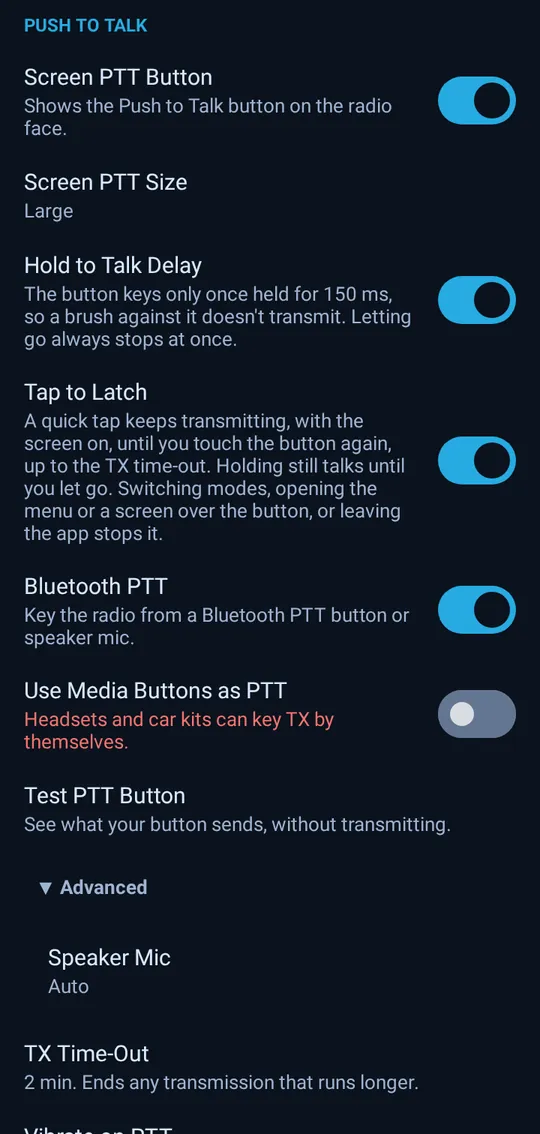
Bluetooth PTT
Key the radio from a Bluetooth speaker-mic or headset button, with a built-in test of the button.
Every picture on this page is the app's own screen, rendered from its real layouts with sample data and a sample location.
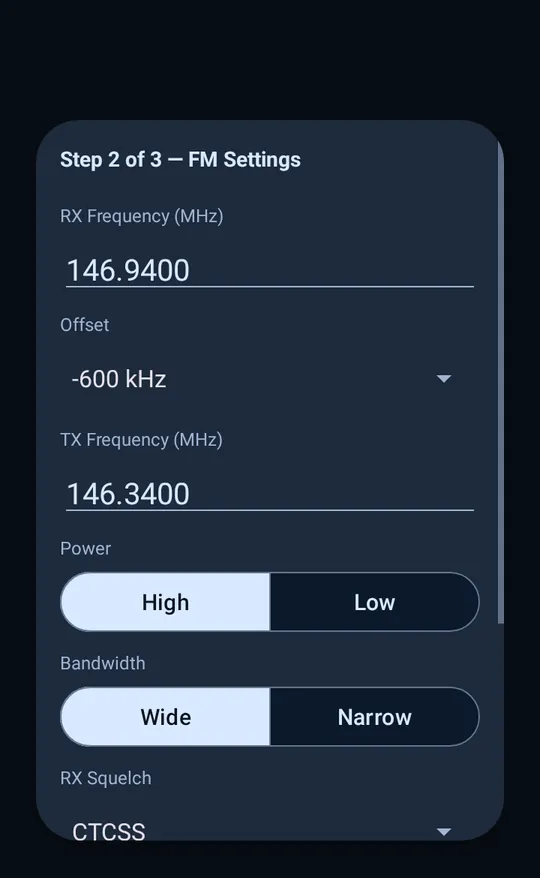
On most radios, getting channels in means building a codeplug, with a programming cable, programming software and a channel spreadsheet. Here, you build your channels in the app or in the memory editor on the website, and they sync to your radios. When you pick a channel, the app sets up the radio's module for it.
Creating, editing and syncing memories is part of a subscription. See plans.
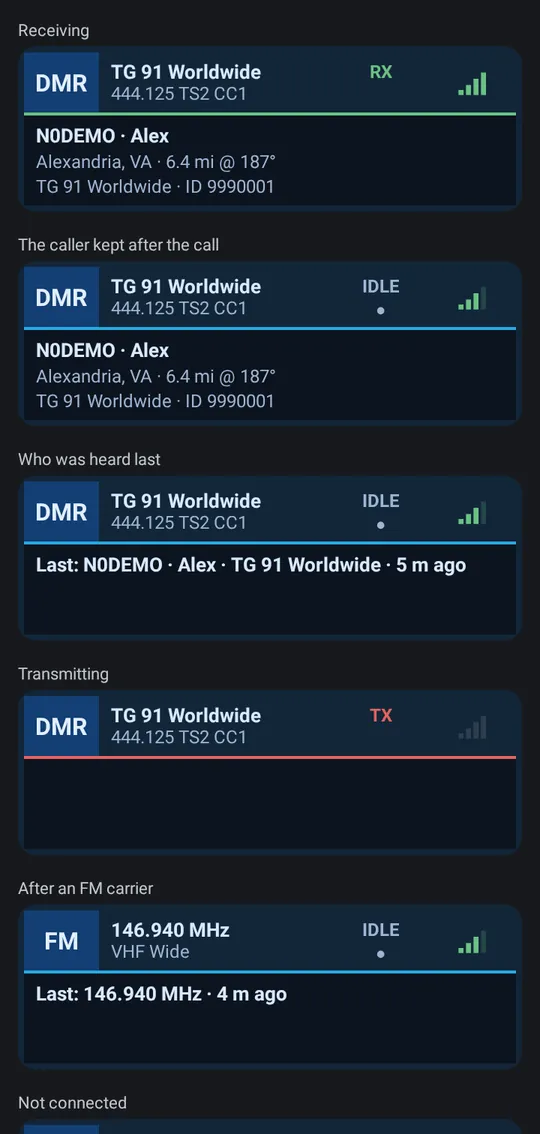
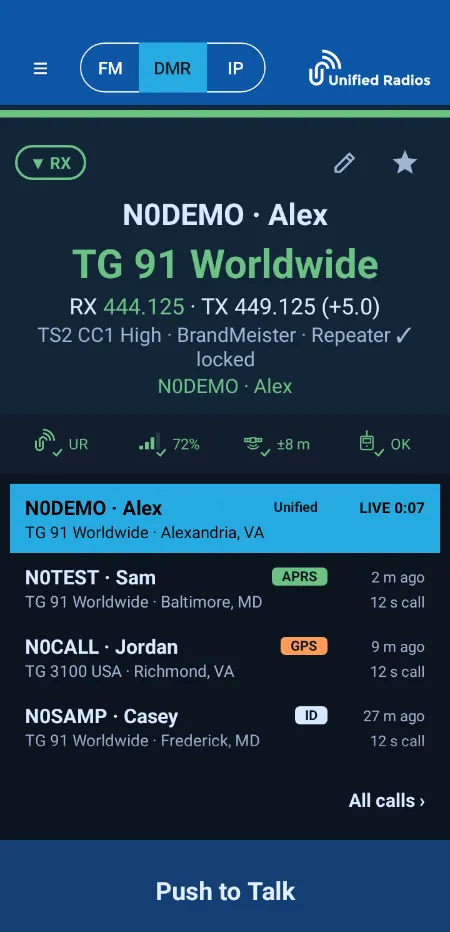
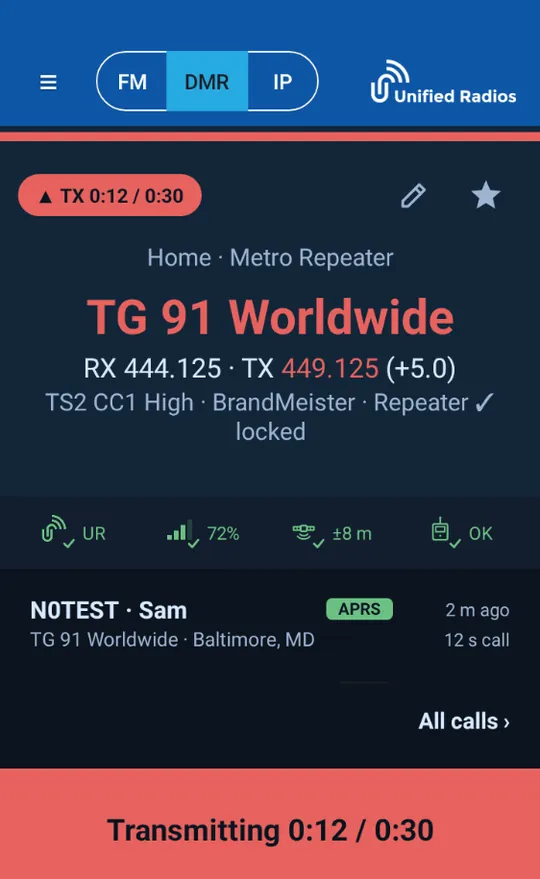
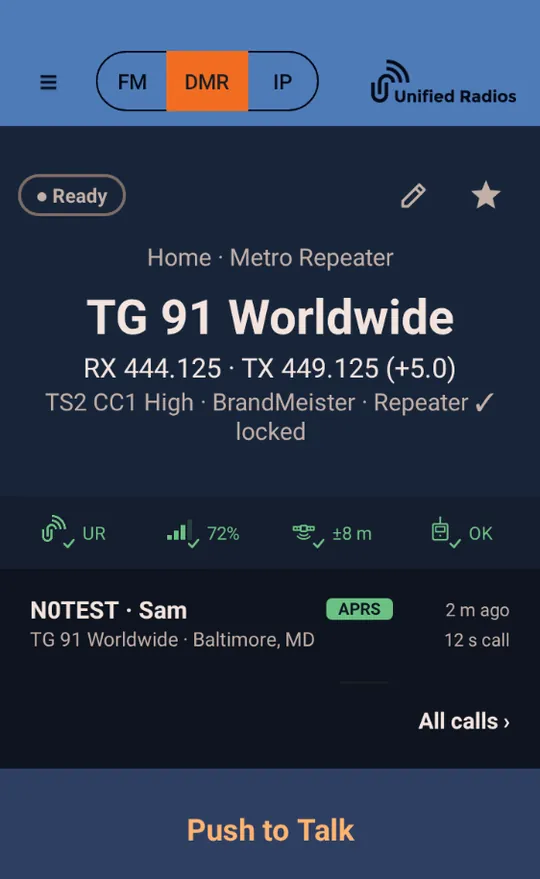
When a call comes in, the face shows the caller's callsign and name in large type (names come from a DMR ID database kept on your device, free with every account), the talkgroup, the frequency and the list of recent callers with their city. Switch between FM, DMR and IP with one tap. A transmit counter runs against your time-out, and a refused press tells you why.
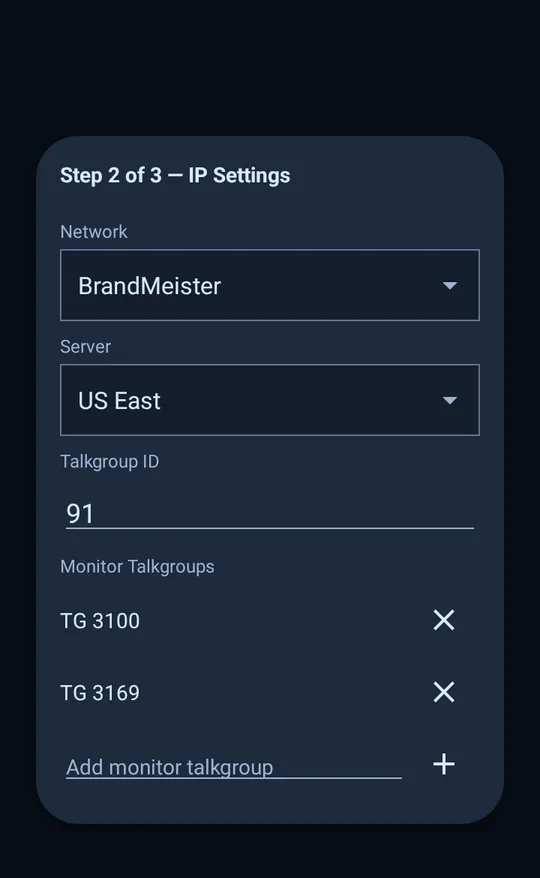
On a radio with an RF module, FM and DMR show the receive frequency, tone, squelch and signal. Tap IP and the face becomes a network session with your network, server and the talkgroups you monitor. Nothing to relearn when you switch.
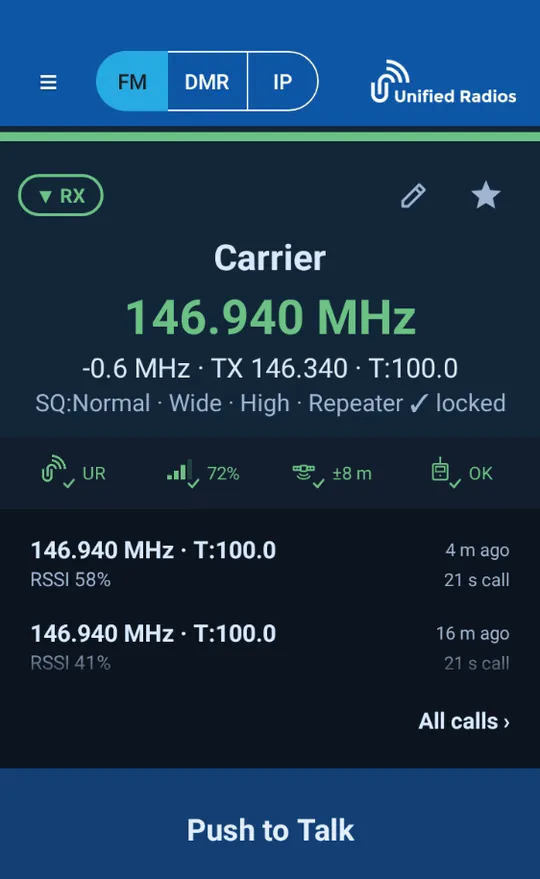
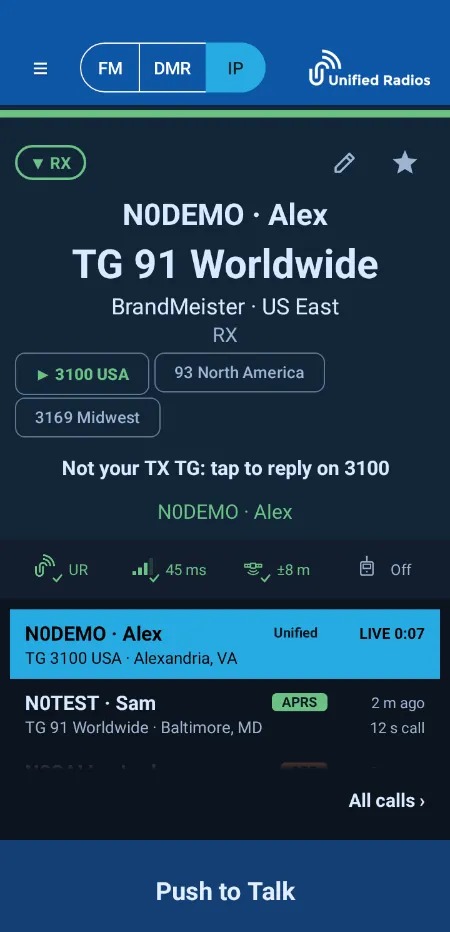
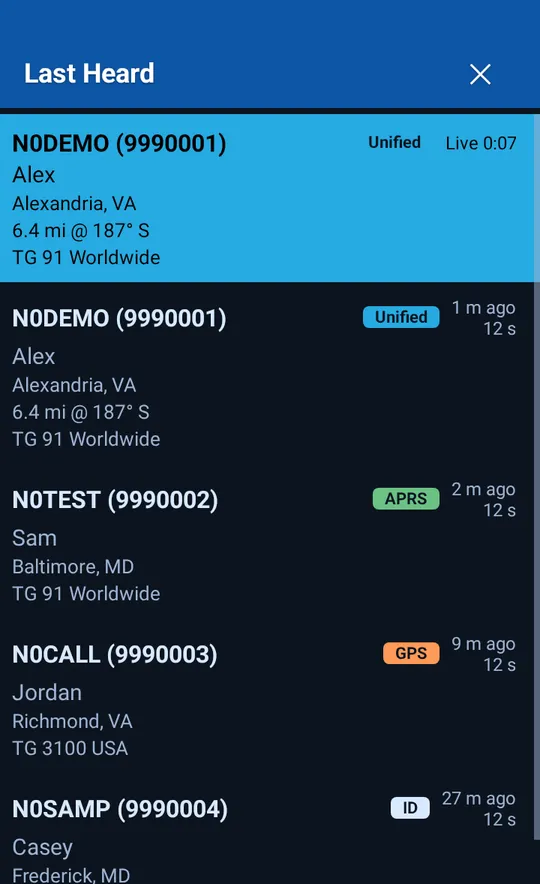
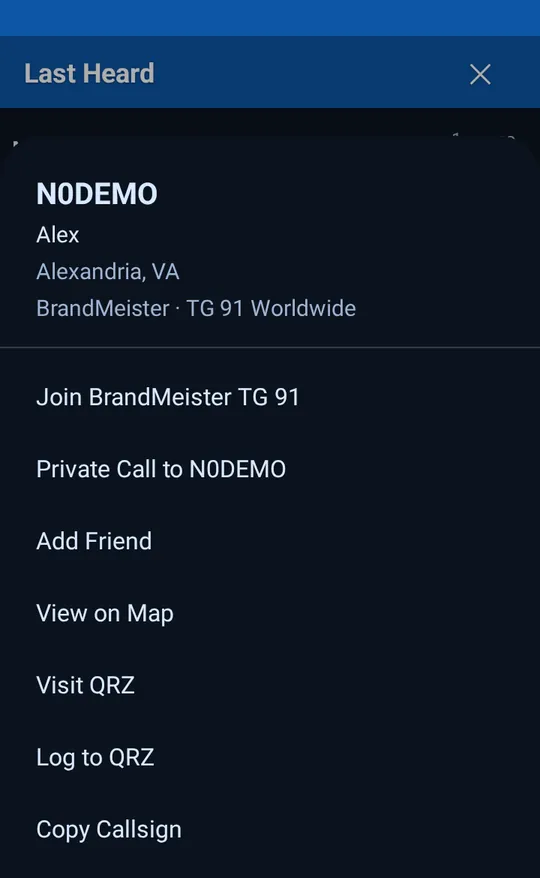
Every call is kept with the callsign, name, city, the talkgroup and how long it lasted. A chip shows where the position came from: APRS, DMR in-band GPS or a Unified Radios member. Distance and bearing are worked out from your location.
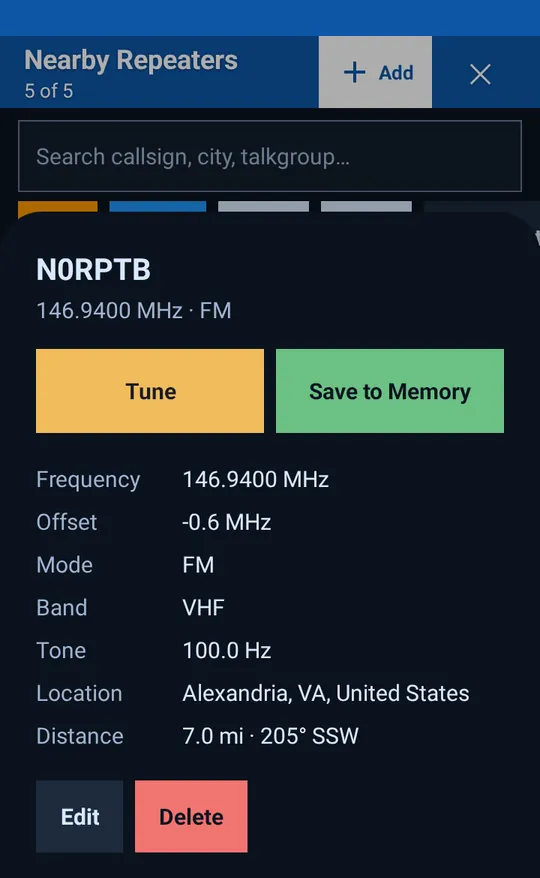
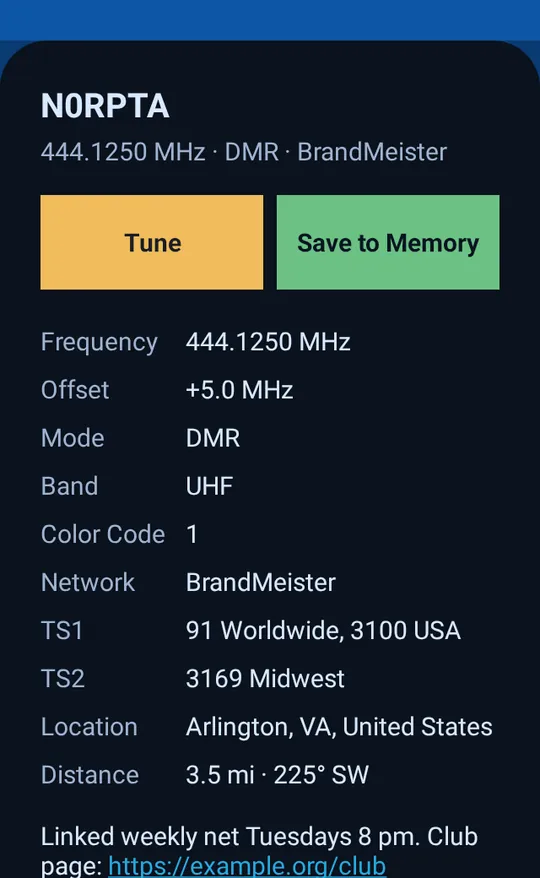
The directory is part of the app. Filter by FM, DMR, VHF or UHF, search by callsign, city or talkgroup, and open any entry for its frequency, offset, tone or color code, the talkgroups on each timeslot and the notes. Tune to it, or Save to Memory.
Community edits. Members with a subscription and a verified callsign can add FM repeaters that are missing, correct the ones that are wrong, add talkgroups to a DMR repeater, and remove or restore entries. Every change is logged, and a deletion that looks wrong can be reported. The same tools are in the web portal.
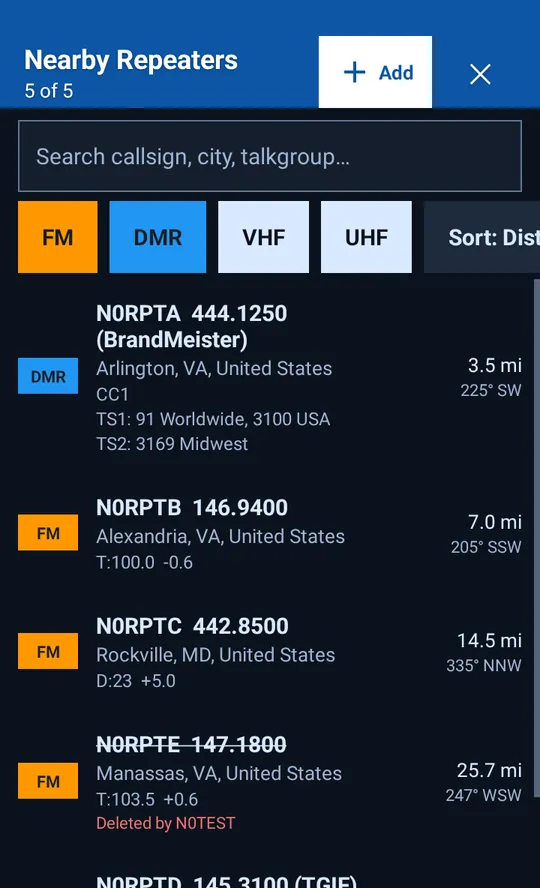
A DMR entry lists the network, color code and the talkgroups on timeslot 1 and 2. If one is missing, add it for everyone who comes after you.
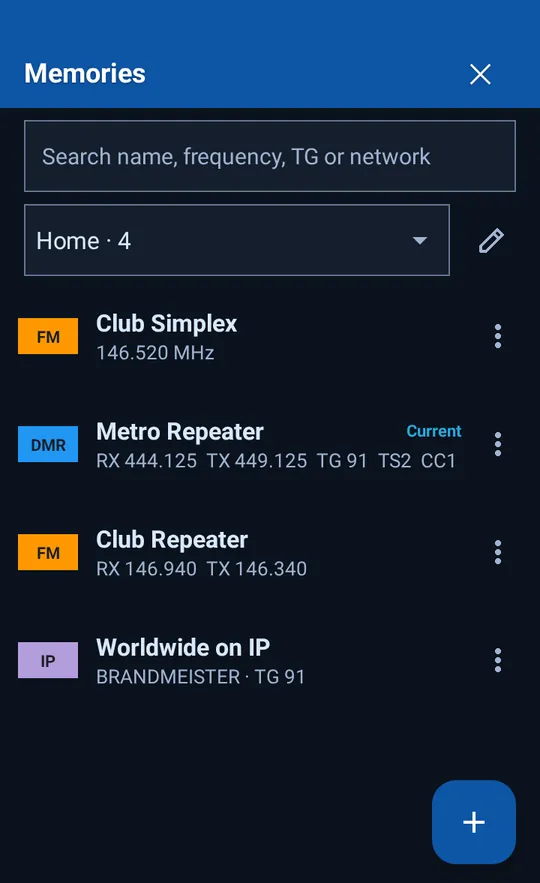
Zones are yours to name and fill. A “Home” zone can hold the local FM repeater, the club's DMR repeater and a talkgroup on the internet, each tagged FM, DMR or IP. Pick one and the app switches mode, frequency or network for you.
Unified Radios maintains the server and talkgroup lists for every network it supports and refreshes them from each network's published data every day. Choose a network, then the nearest server, then a talkgroup by name or number. No addresses, ports or talkgroup tables to look up.
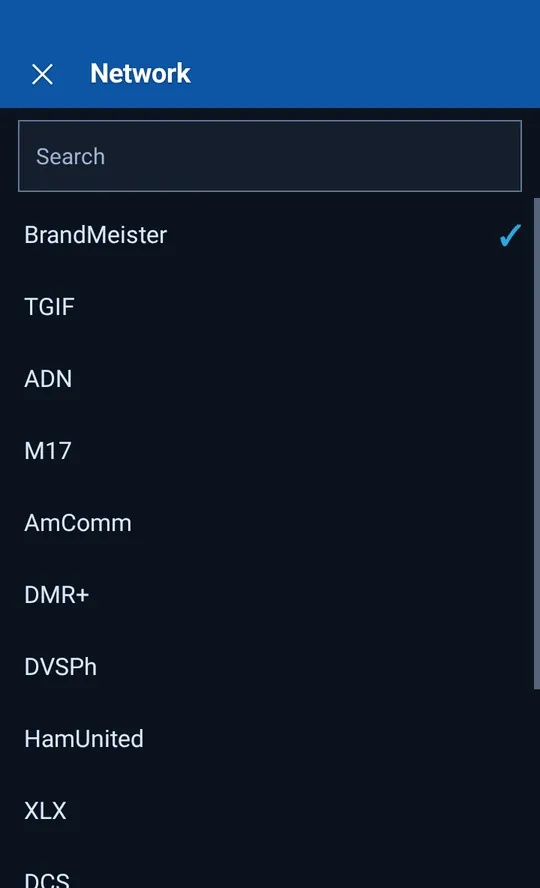
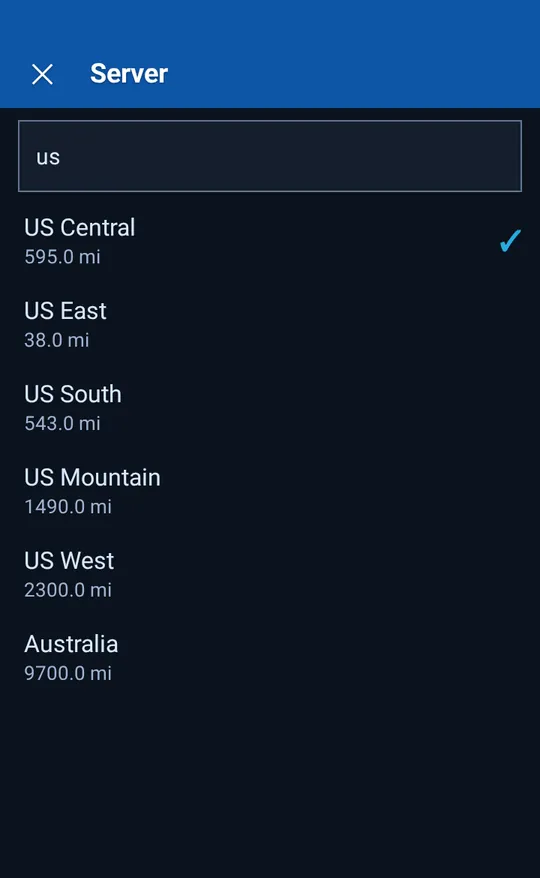
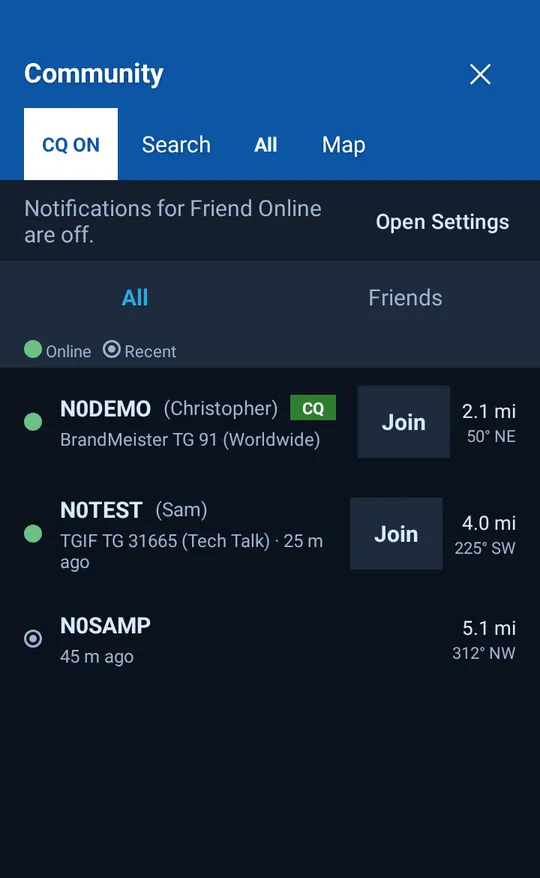
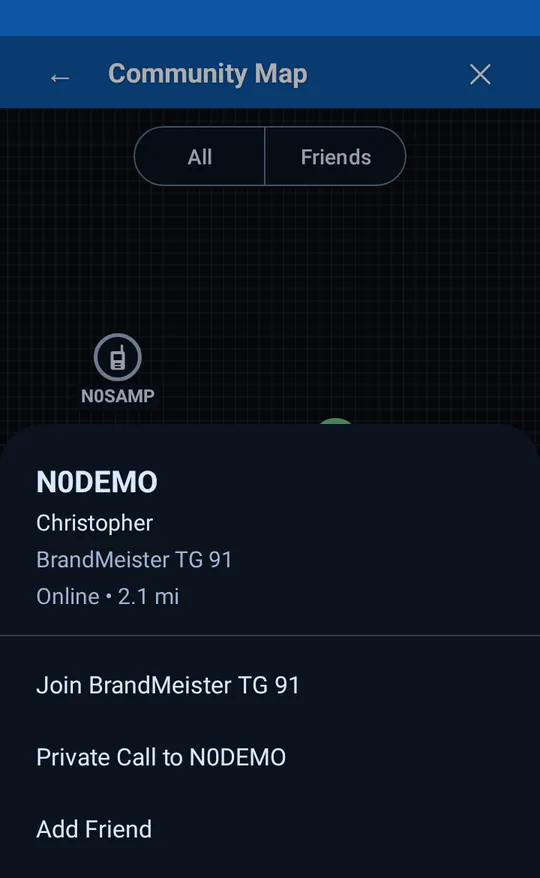
See which operators are online, on which network and talkgroup, how far away they are and in which direction. Mark your own CQ, add friends and get an alert when a friend comes online. Join their talkgroup from the list, or open the map.
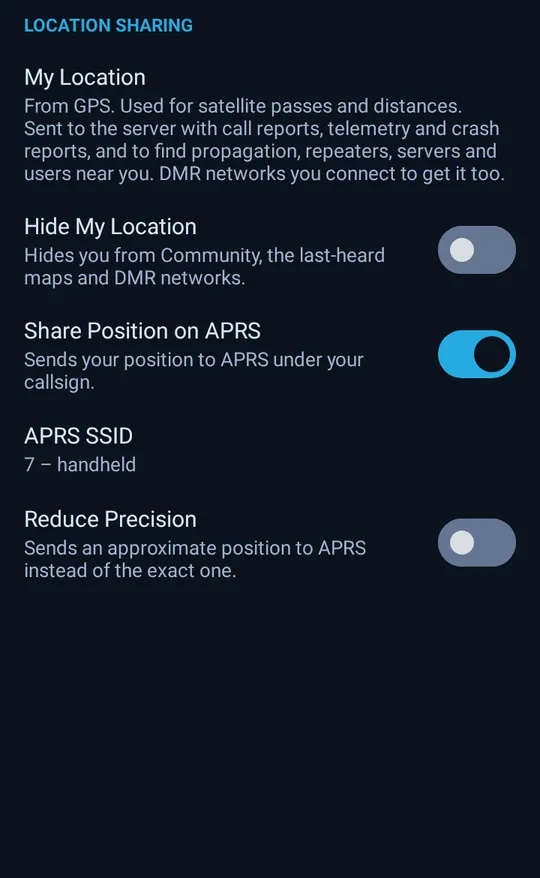
Community uses your location only as you choose: Hide My Location keeps you off Community and the maps.
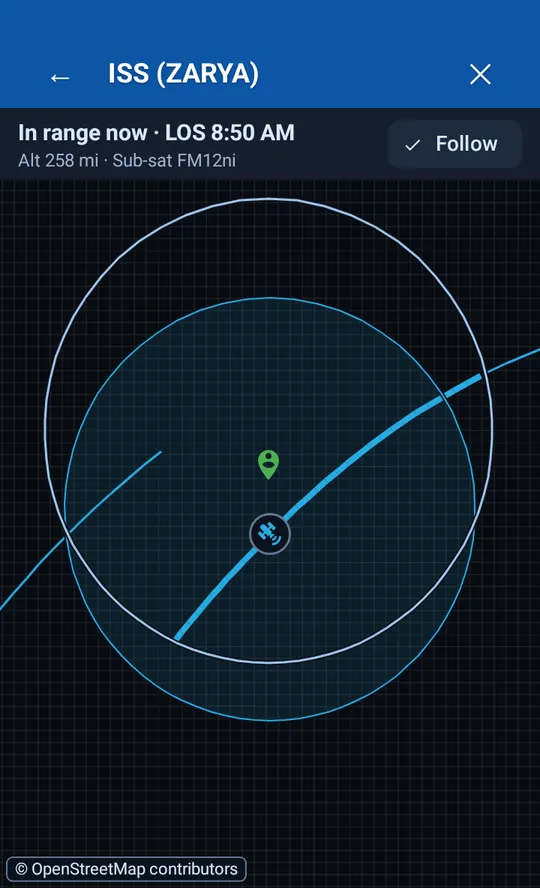
The catalog covers amateur FM and linear satellites, weather satellites, the space station and CubeSats. Passes are worked out for your location and graded High, Medium or Low. Orbital and transmitter data are refreshed automatically.
Transmitter data: SatNOGS DB (CC BY-SA 4.0)
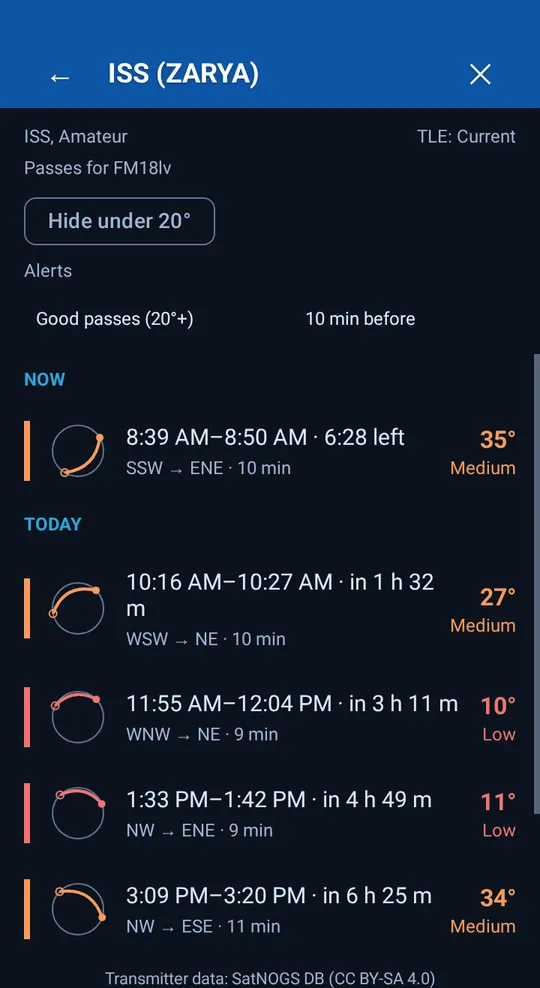
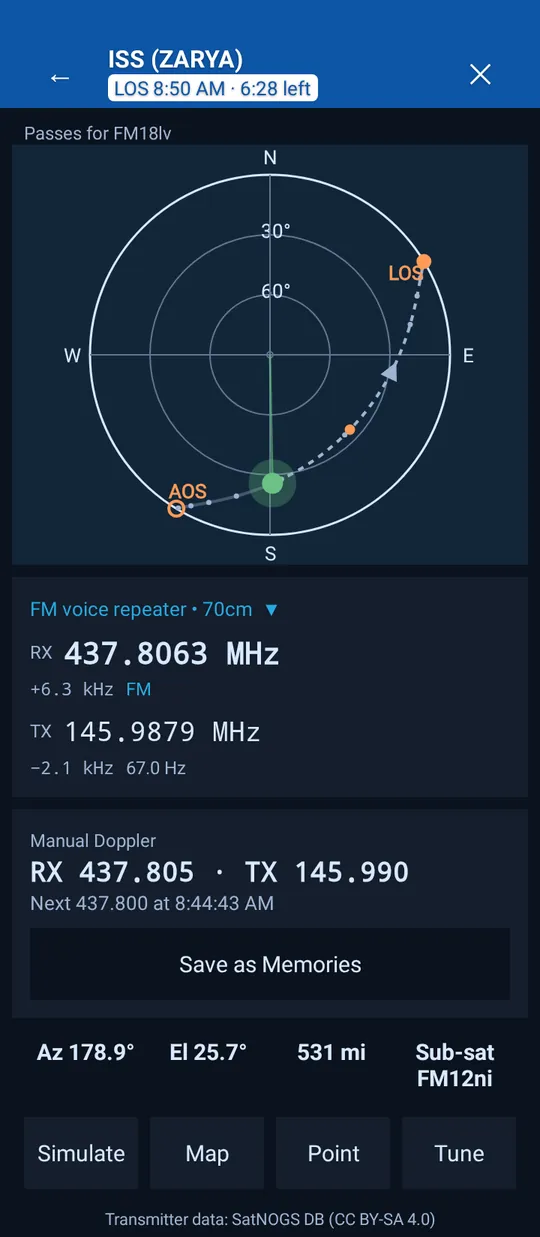
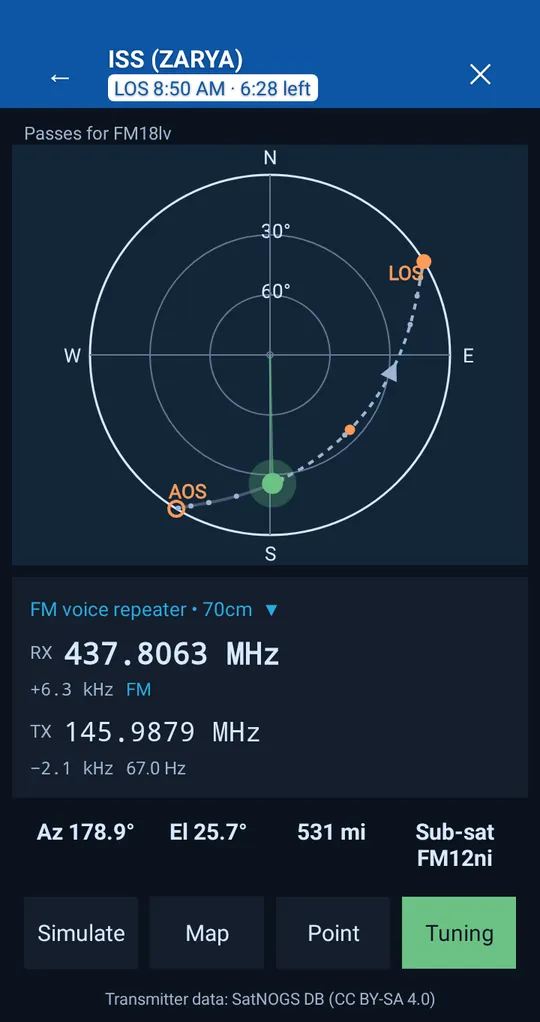
The map shows the ground track and footprint. When the transmitter is FM and your radio supports it, Tune puts the radio on the right frequency, and the Doppler panel shows each frequency step and when the next one comes.
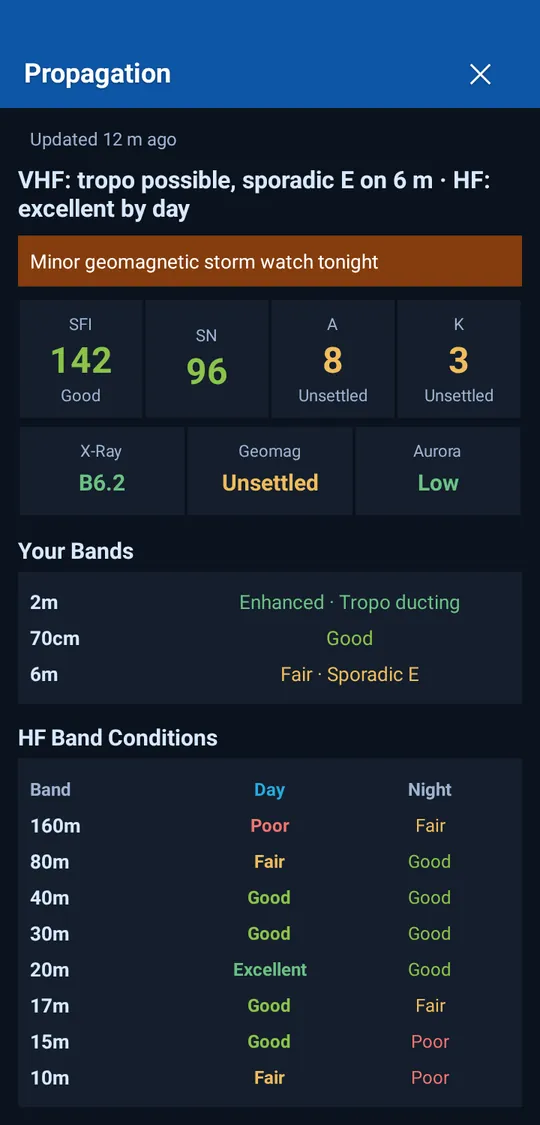
Solar flux, sunspot number, A and K index, X-ray background, geomagnetic field and aurora, then a grade for every band from 160 meters to 70 centimeters: HF by day and night, sporadic E on 6 meters, tropo ducting on VHF and UHF. D-Region absorption is on the same screen.
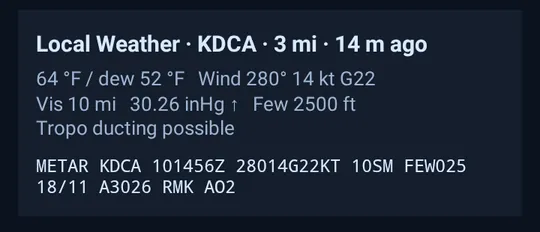
Below it, the local weather comes from the nearest observation station: temperature, wind, visibility, pressure and sky, with the raw report a tap away. The report and the weather are refreshed regularly.
Text can be made up to 30% larger than your phone's setting. High Visibility switches to plain backgrounds, bigger text and icons for bright sun, and can turn on by itself in bright light. The Push to Talk bar comes in more than one size. Reduce Motion stills the animations.
Then make it yours: 23 color themes (Unified, 18 national flags and four themed palettes), in light or dark, or automatic at sunrise and sunset.
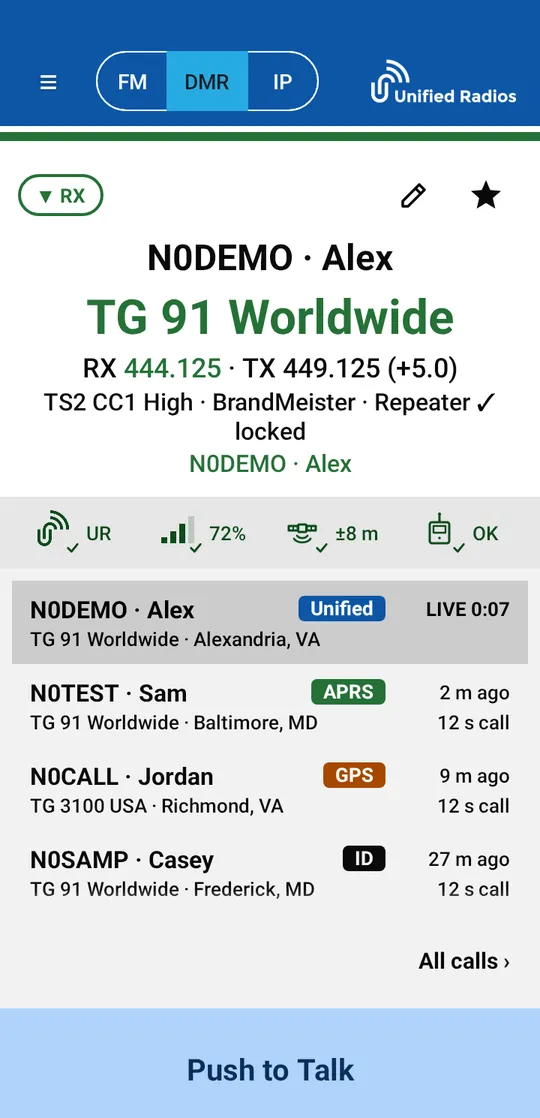
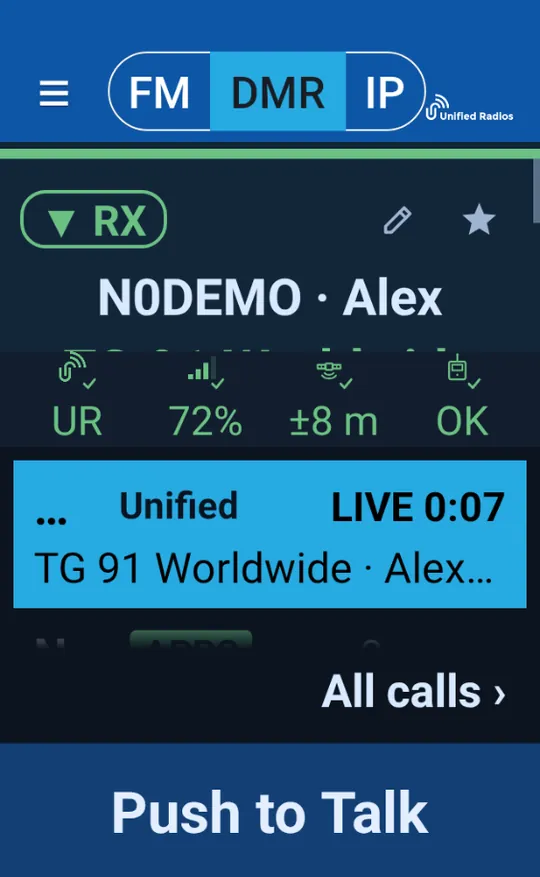
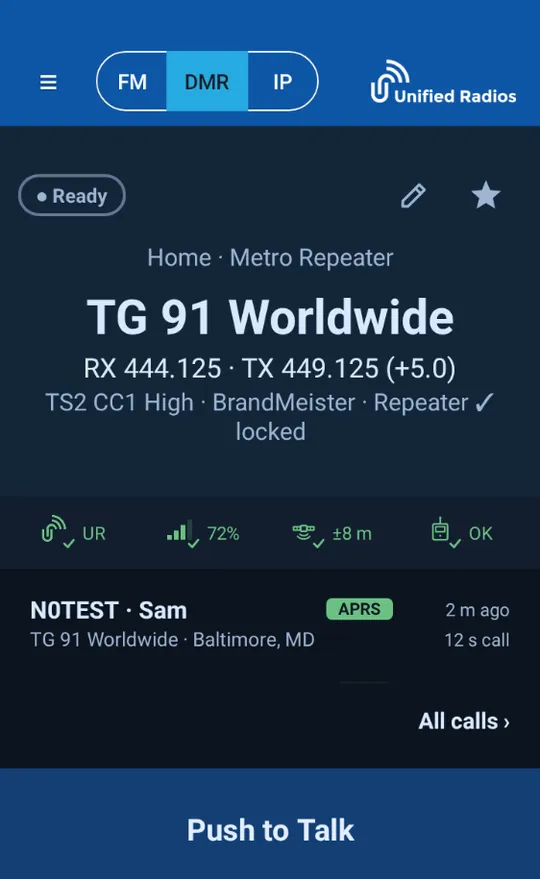
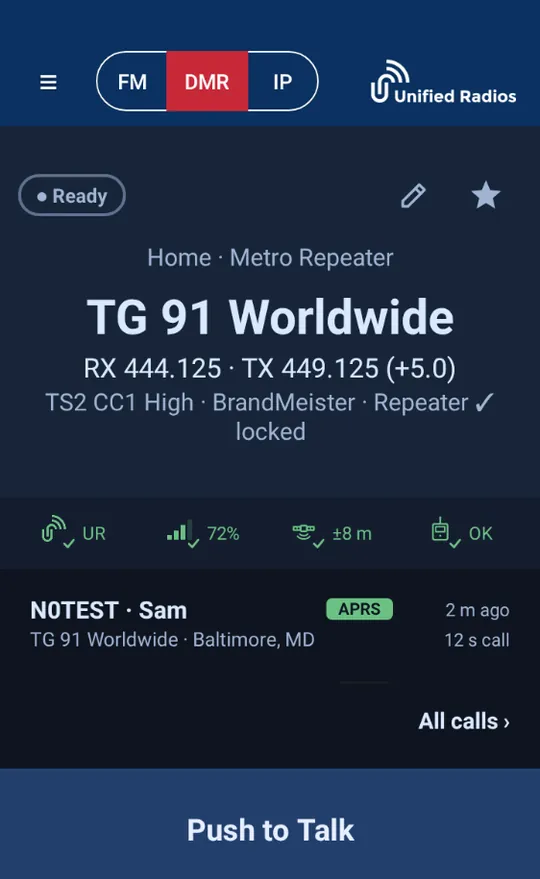
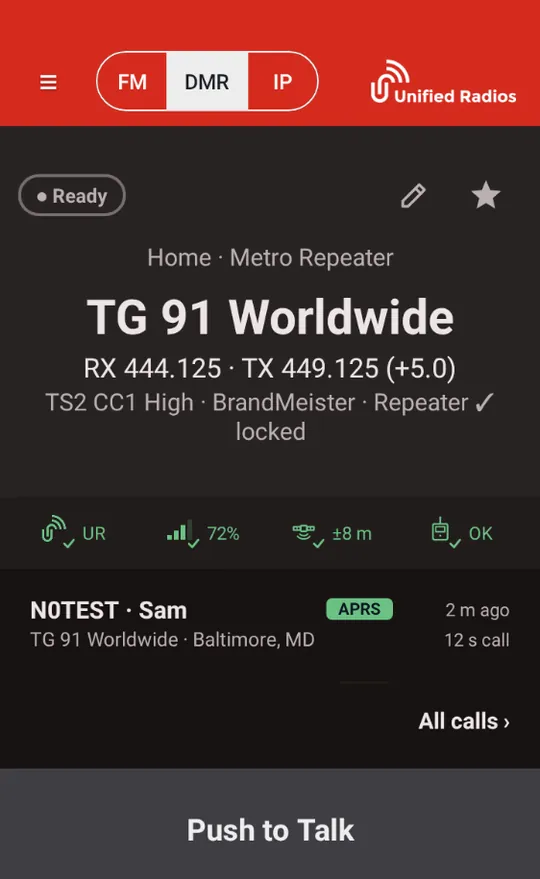
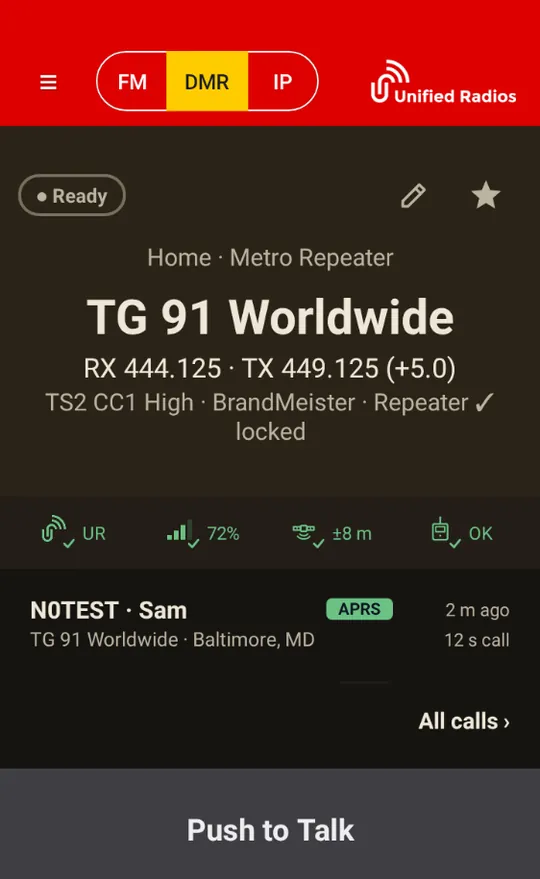
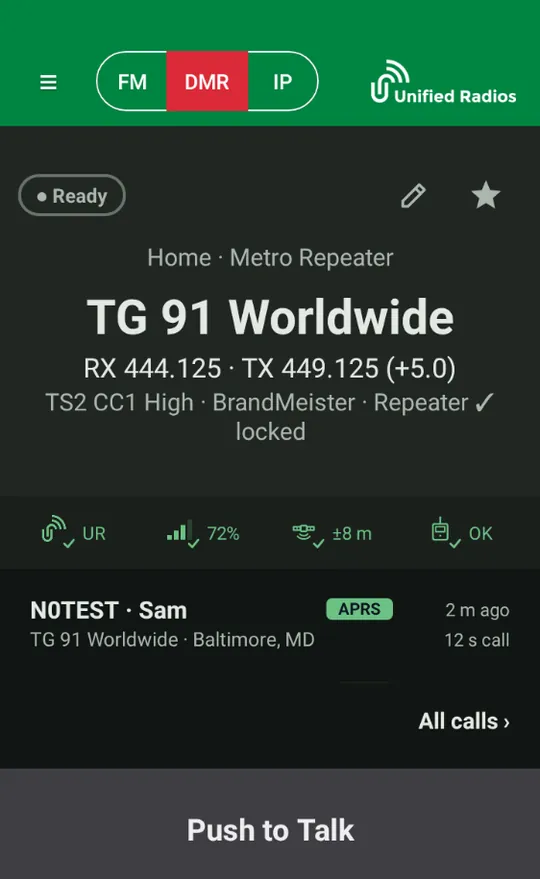
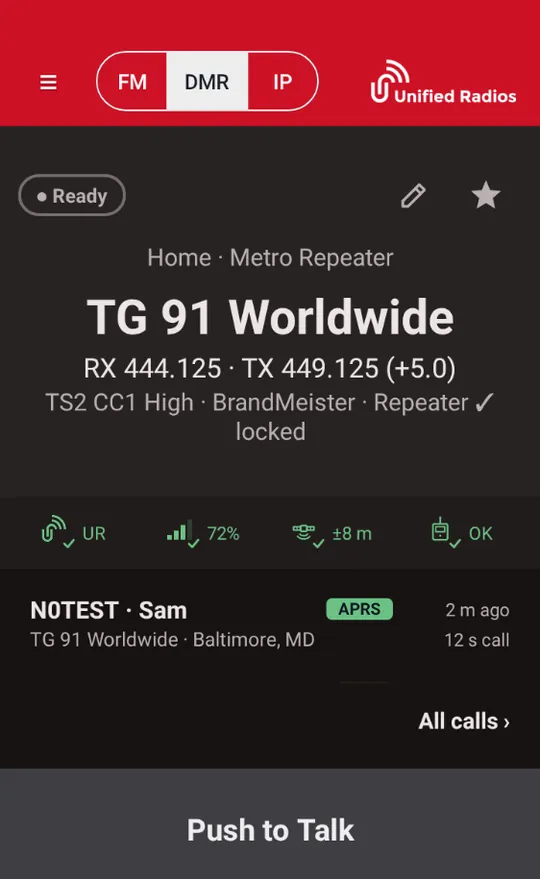
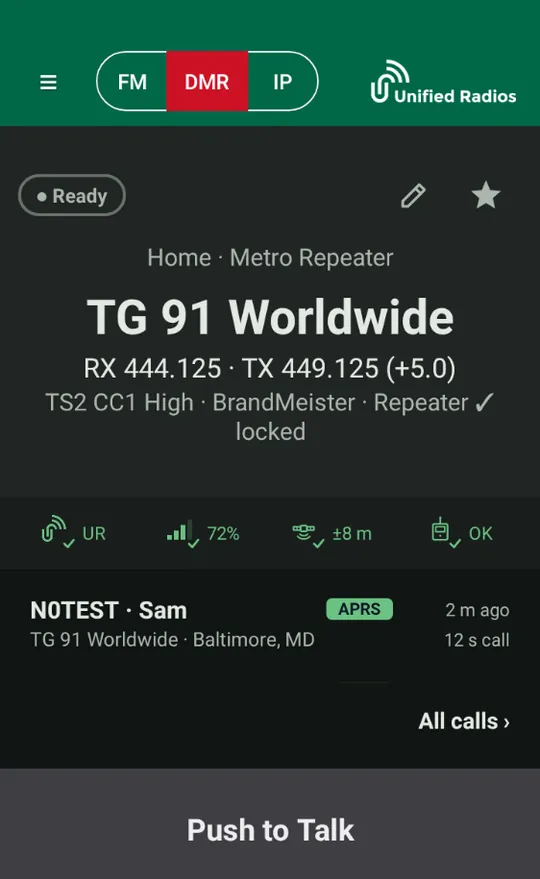
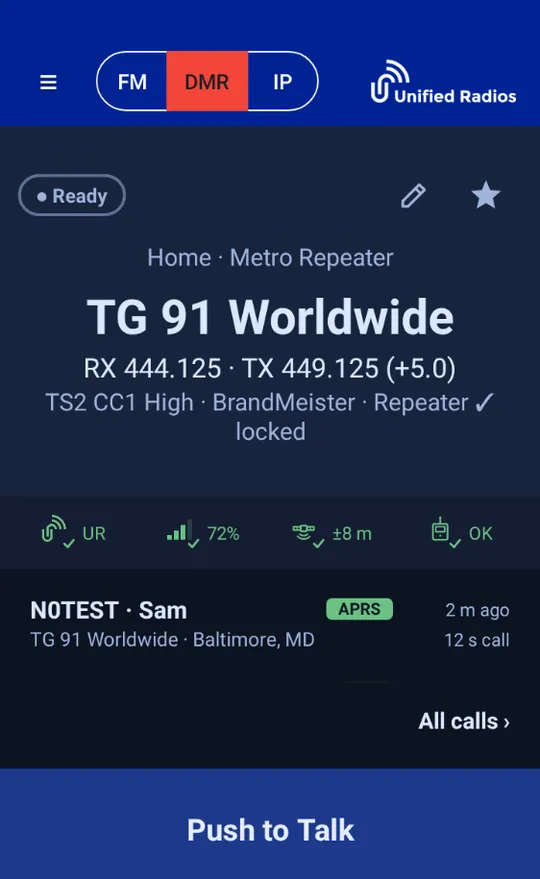
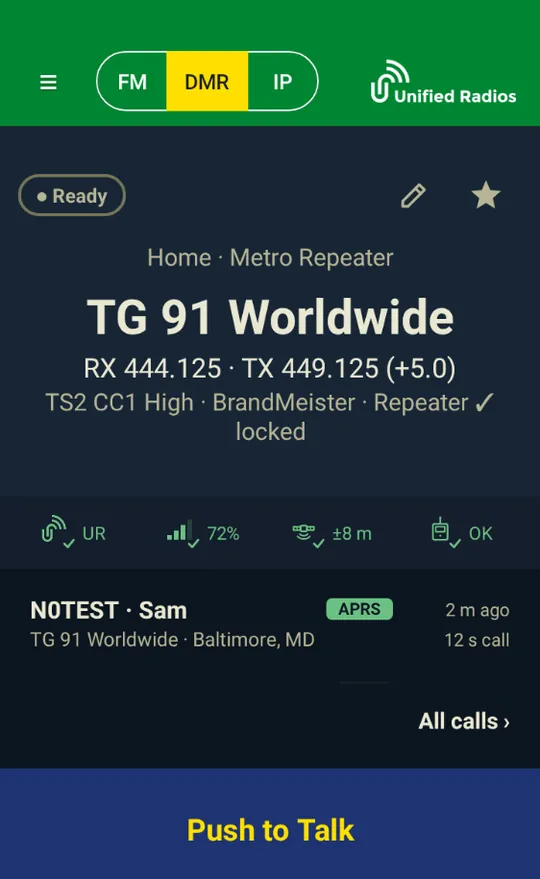
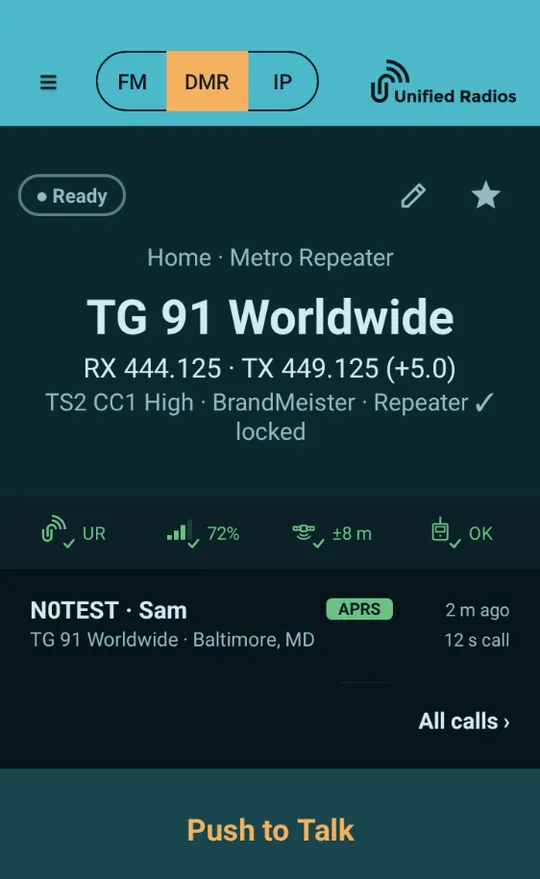
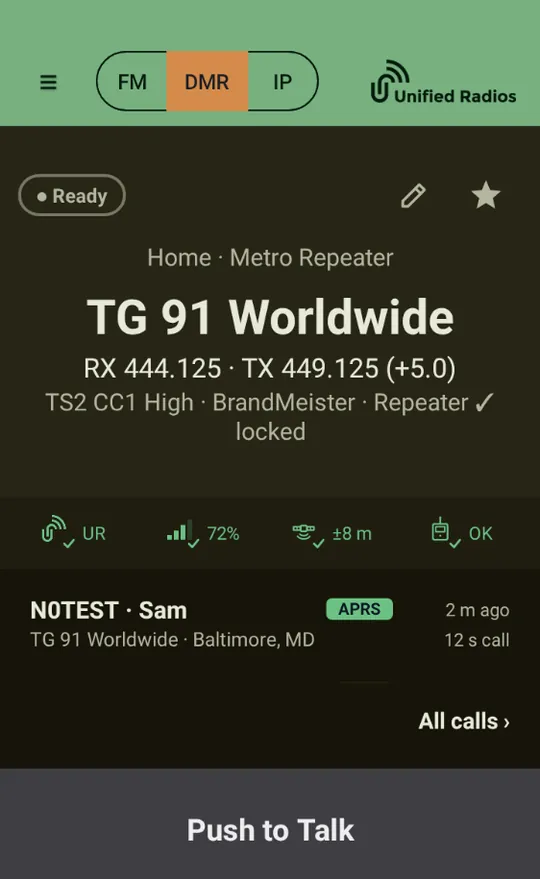
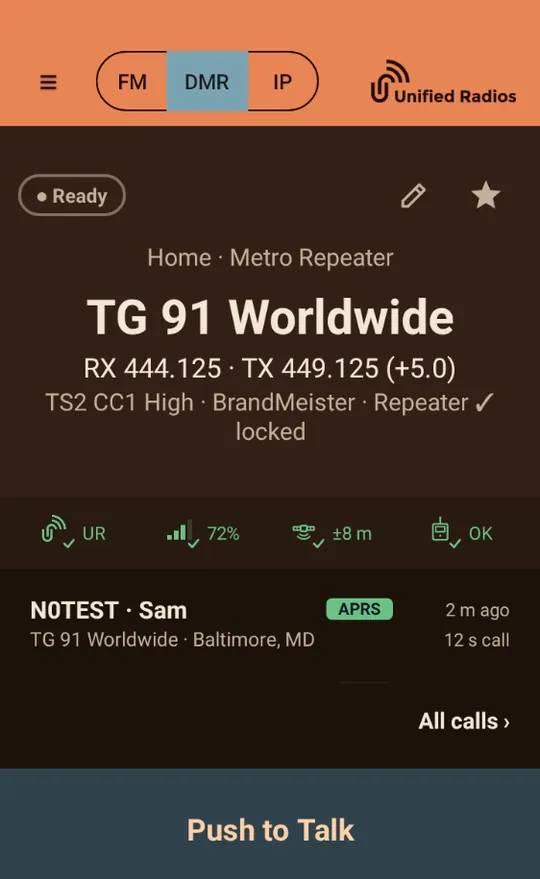
A few of the 23 themes. Each has a light and a dark version.
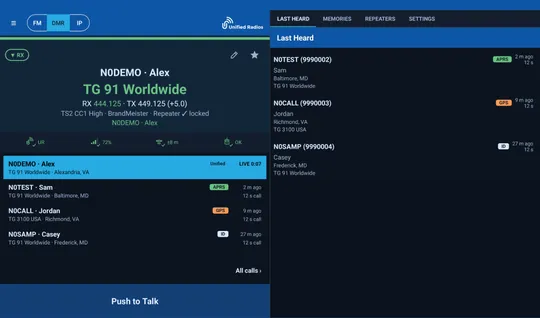
On screens 720 dp wide and up, the radio face sits beside Last Heard, Memories, Repeaters and Settings. Ten-inch tablets get the two panes upright and sideways; seven and eight-inch tablets get them sideways. Tablets follow auto-rotate without dropping your connection.
Key the radio from a Bluetooth speaker-mic or headset button, with a built-in test of the button.
Licensed operators can share their position on APRS under their callsign if they choose, with your own SSID and an option to reduce precision.
Use GPS or type a grid square or coordinates. Hide My Location keeps you off Community and the maps.
Names and cities for DMR IDs come from a database kept on your device, so callers are named even on a weak connection. Included with every account.
Start a private call from the call log, and send DTMF tones from the radio face.
A home screen widget shows the radio's state and the last caller, and a shortcut jumps to satellite passes.